VelvaPrinters – Shop Reliable Printers for Home & Office & Save 10% New Customer Offer – Sign Up & Receive 15% OFF Your First Order Always Here to Help – Support When You Need It
Printer Not Printing Fix Printer Problems

Best Selling Products

Why Choose Our Services?

✔ Order Support

✔ USA & Canada

✔ Quick Processing

✔ Safe Checkout

Discover the Latest Models with Easy In-Store Pickup Convenient pickup available at all locations Expert Help, When You Need It Fast Next-Day Shipping Free on Orders Over $50
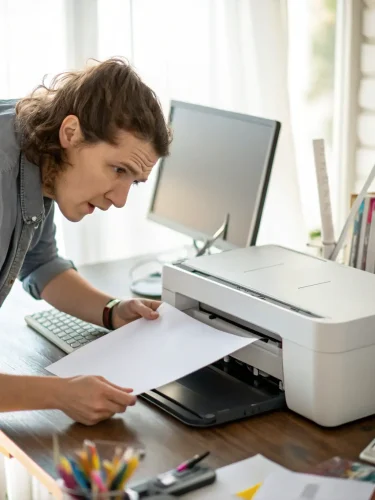
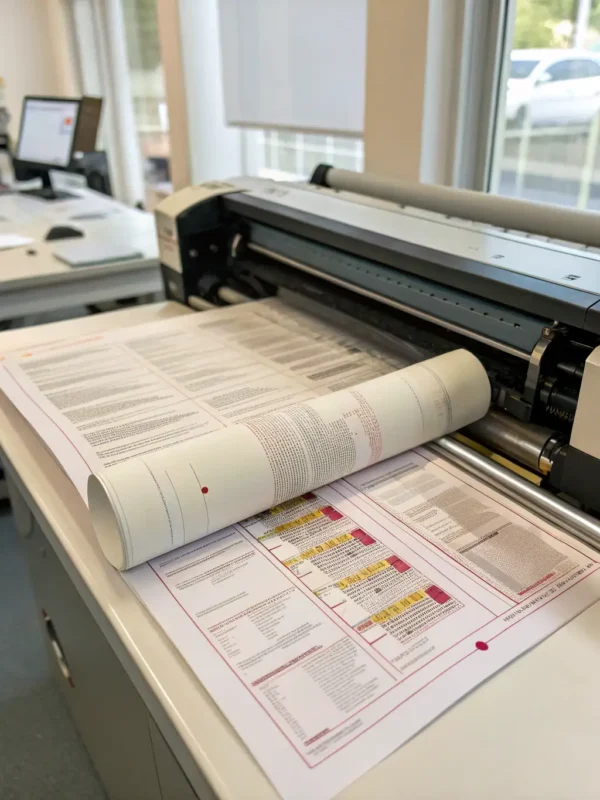
Paper Jam Trouble

Paper jams can slow down your work, but fixing them does not need to be stressful or confusing. With simple instructions and the right steps, you can safely remove stuck paper, check for leftover fragments, and adjust settings to reduce future interruptions while keeping your printer protected and running smoothly again.

Printer Spooler Error

If your printer is stuck on a print job or showing a spooler message, the issue may be related to queued files, background services, or driver settings. By following clear instructions, you can clear pending jobs, restart required services, and restore normal printing without delays or repeated trial and error.

Unable to Connect

Connecting a printer to Wi-Fi or syncing it with a device can fail due to setup errors or network conflicts. With guided steps, you can review wireless settings, resolve connection issues, and ensure proper pairing so your printer communicates correctly and works smoothly across computers, phones, and shared networks.

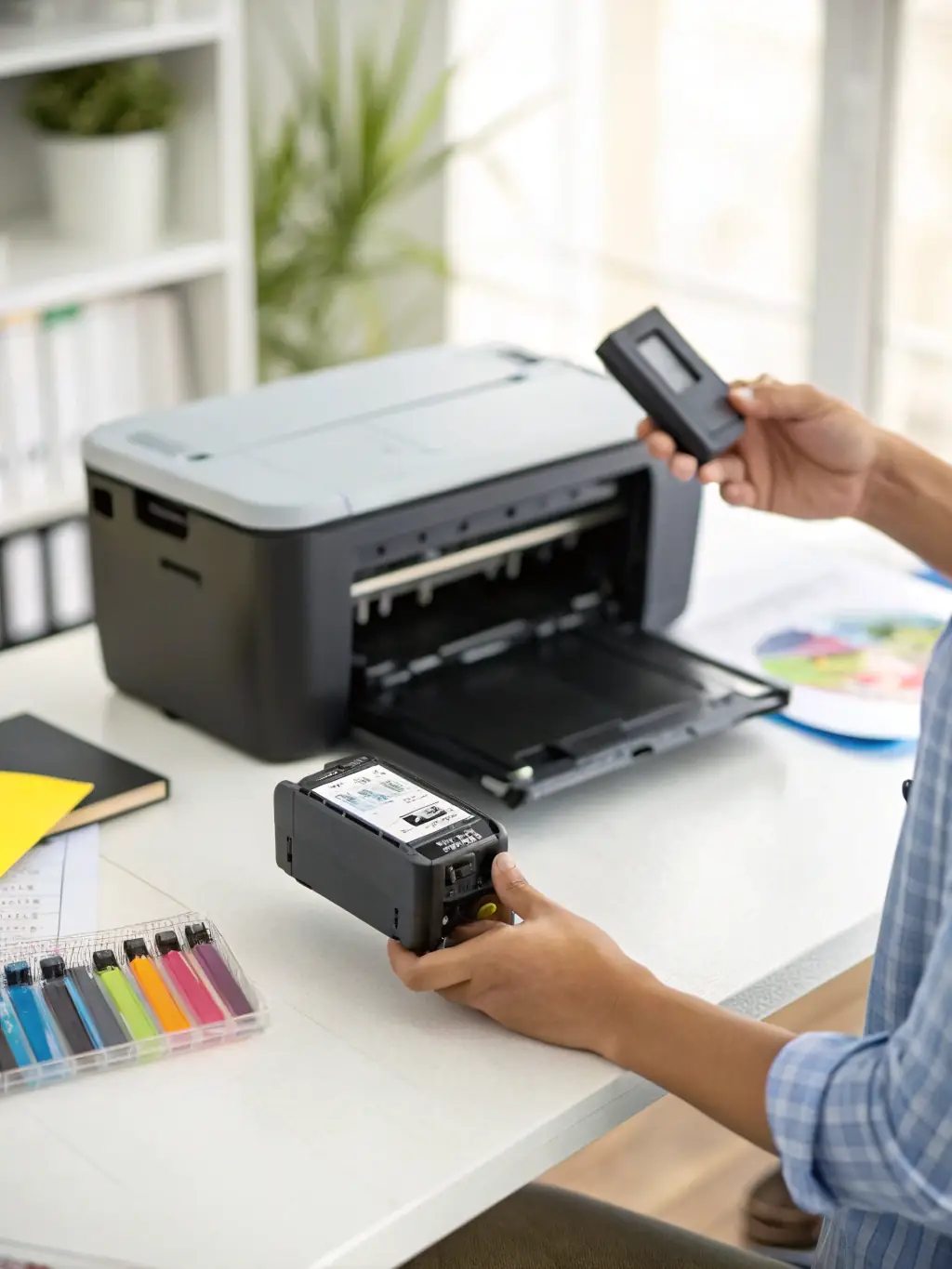
Ink Cartridge Problem

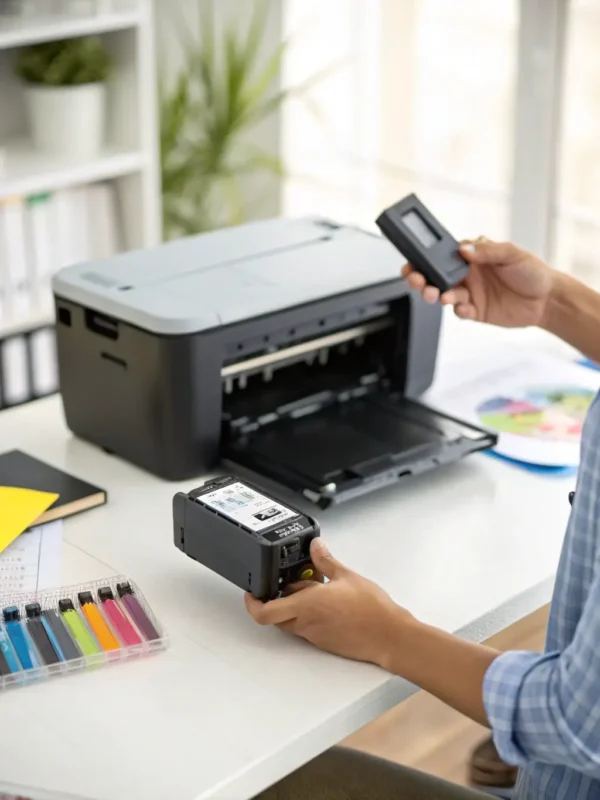
Ink cartridge alerts may appear because of placement issues, detection errors, or incorrect ink readings, even with new cartridges. Using step-by-step guidance, you can check installation, reset recognition settings, and confirm proper contact so your printer identifies cartridges correctly and resumes printing without unnecessary interruptions.

Best Selling Products

Common Challenges Faced in Printer Setup and Usage Include:

  • Setting up a printer on Windows-based systems

  • Connecting a printer to a local or shared network

  • Difficulty locating or configuring network printer paths

  • Printer installation on macOS and Chromebook devices

  • Wi-Fi connection problems with wireless printers and routers

  • Configuring network or wireless printing settings

  • General printer setup assistance

  • Troubleshooting printing and performance errors

  • Resolving paper jam problems

  • Fixing printer offline status in Windows 10

Why Choose Us

At Velva Printers, we work with a skilled team of trained printer specialists who assist customers with a wide range of printer-related needs. From setup guidance to software updates and common printing issues, our focus is on providing clear, reliable assistance for popular home and office printers.

We understand how important printers are for daily tasks, which is why we emphasize timely responses and efficient solutions. Our approach is designed to help reduce downtime and ensure your printer operates smoothly and consistently.

Using advanced diagnostic tools and proven troubleshooting methods, we carefully identify the root cause of printer issues and provide practical, easy-to-follow solutions tailored to your situation.

Velva Printers believes in transparent and straightforward pricing, so customers know what to expect before proceeding. Customer satisfaction is a priority for us, and we strive to deliver dependable service experiences built on trust and clarity.

Need Help with Your Printer?

Get expert guidance today

FAQ'S

Which Printer Should I Purchase?

When selecting a printer, think about how often and how much you plan to print. If you print frequently or handle higher volumes, choosing a model built for regular use can be more suitable. For occasional printing, a compact and budget-friendly option may meet your needs.

It’s also important to consider what you print most. Some printers are better suited for text-based documents, while others perform better with photos and color prints. Choosing a printer that matches your usage helps ensure better performance and long-term value.

Is it safe to get printer tech assistance online?

Online printer assistance can be a convenient option when handled responsibly. It’s important to choose a service provider that follows proper data protection practices and uses secure methods while offering guidance or remote support.

At Velva Printers, we follow standard security measures and use trusted tools to help users while respecting data privacy. Any access provided is limited to resolving the issue, and personal information is handled with care to maintain user confidence and trust.

Will I get a refund if I am not satisfied with printer tech support?

Refund policies can vary depending on the service provider and the type of assistance offered. It’s always a good idea to review the terms and conditions before proceeding with any technical support service.

At Velva Printers, customer satisfaction is important to us. We aim to provide fair and transparent service policies, and concerns related to service experience are reviewed carefully in line with our stated terms. Our goal is to ensure clarity, trust, and a positive overall experience for our customers.

How can you repair your printer?

The first step in repairing a printer is identifying the cause of the problem through proper diagnosis. Many printer issues can be resolved by understanding error messages, connection settings, or software conflicts before attempting any fixes.

At Velva Printers, we offer guided assistance to help diagnose common printer problems and suggest appropriate solutions. Our approach focuses on clear instructions and remote guidance where applicable, helping users address issues conveniently without the need for unnecessary travel.

What are the common problems with a printer?

Printers may experience a variety of common issues during regular use. Paper jams can occur when sheets become stuck inside the printer, interrupting the printing process. Connectivity problems are also frequent, such as difficulty connecting through Wi-Fi or USB.

In addition, print quality concerns like faded text, streaks, or smudged output may appear over time. Many of these issues can be addressed through routine maintenance, updating printer drivers, and following basic troubleshooting steps to keep the printer running smoothly.

How do I fix my HP printer problem?

HP printers can face different types of issues, so the first step is identifying the exact problem. This may include checking error messages, connection settings, or driver-related concerns to understand what’s affecting the printer’s performance.

At Velva Printers, we provide guided assistance to help diagnose common HP printer issues and suggest suitable solutions. Our focus is on clear troubleshooting steps and practical guidance to help restore normal printer operation in a convenient and reliable way.

How do I know if a printer needs maintenance?

There are several signs that may indicate a printer requires maintenance or servicing:

  • Frequent paper jams: If paper scraps or dust repeatedly get stuck inside the printer and disrupt printing, maintenance may be needed.

  • Error messages or warning lights: Alerts on the control panel, such as ink warnings, jam notifications, or hardware indicators, often signal underlying issues.

  • Connectivity problems: Difficulty connecting to Wi-Fi, a network, or a wired connection can point to internal configuration or hardware concerns.

  • Slow printing performance: A noticeable drop in printing speed compared to normal operation may suggest the printer needs attention.

  • Unusual noises: Sounds like clicking, squeaking, vibration, or grinding that were not present before can indicate mechanical wear or internal problems.

Addressing these signs early through routine checks and maintenance can help improve performance and extend the life of your printer.

How do I prolong the lifespan of my printer?

You can help extend the life of your printer by following a few simple best practices:

  • Use quality supplies: Choose reliable ink, toner, and paper that are suitable for your printer model to maintain consistent print quality and reduce wear.

  • Keep software updated: Regularly updating printer drivers and firmware can improve performance, fix bugs, and support long-term stability.

  • Clean the printer regularly: Dust, ink residue, and debris can build up over time. Periodic cleaning helps prevent internal damage and keeps the printer running smoothly.

  • Avoid excessive use: Like any electronic device, printers benefit from breaks. Allowing the printer to cool down during heavy use can help prevent overheating and strain.

In addition to these steps, routine maintenance checks can help identify potential issues early. If guidance is needed, Velva Printers offers support resources to help users maintain their printers and improve overall longevity.